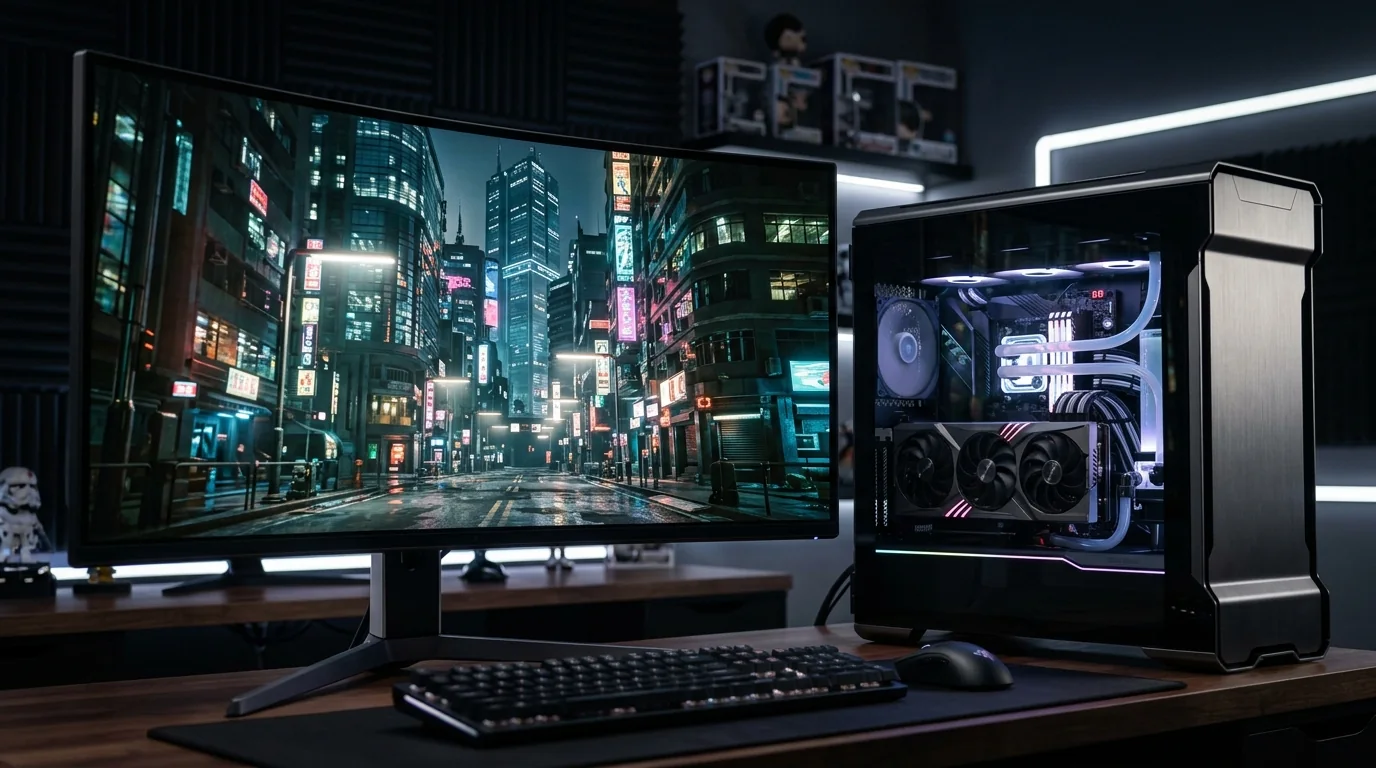
PC Gaming
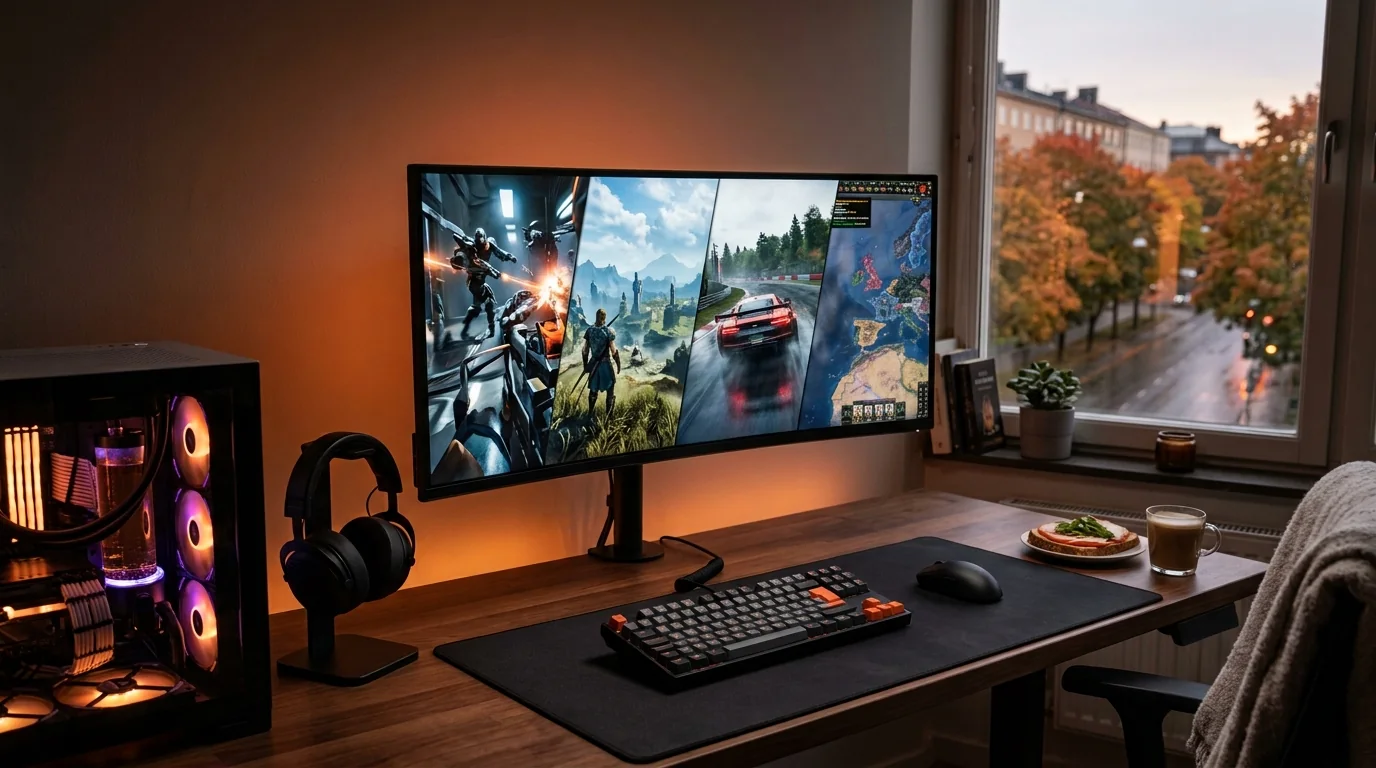
PC Gaming Releases to Watch in Europe This Autumn 2026
Detailed context and practical checks for players.
The PC Gaming section is designed for readers who want more than a list of announcements. We look at the practical questions around performance, setup, availability, match format and long-session use. For European readers, the context can include regional storefronts, different retailer stock, travel schedules, time zones and language options, but we do not invent country-level prices or availability when they have not been confirmed. Every article is written as a self-contained guide, and each one links to exactly one related article within this category so you can continue without being pushed through a chain of unrelated pages.
Start with the guide closest to your device, game or event. Use the article checklists to identify what you can verify on your own hardware or platform before making a purchase or changing a setup. Time-sensitive details should always be rechecked on the platform you actually use because patches, schedules and regional availability can change.
Original writing, no external promotional links, clear uncertainty, practical comparisons and no claims of guaranteed rankings or approval.
PC gaming changes quickly because game patches, graphics drivers, operating-system updates and new rendering features can all affect the same system. Our PC coverage therefore treats a launch as the start of testing, not the end of the story. We look at frame pacing, CPU and GPU limits, display refresh rate, input response and storage before suggesting that a reader change hardware.
For 1440p players, balance matters more than chasing one maximum setting. A powerful GPU can still be held back by an older CPU in some games, while very high texture settings can pressure memory without creating a visible improvement at normal viewing distance. The useful question is which setting changes the experience on the monitor you actually own.
PC is also the platform where regional storefront choice, launcher behaviour, anti-cheat requirements and peripheral software can add friction. A guide should account for those practical details without turning every compatibility issue into a reason to avoid a release.
Across all ten articles below, the goal is the same: give readers enough context to make their own decision. When information is time-sensitive, verify it on the relevant platform before purchase or travel. When the issue is a setup choice, test one change at a time and keep the option to leave a working configuration alone.
Detailed context and practical checks for players.

Detailed context and practical checks for players.
Detailed context and practical checks for players.
Detailed context and practical checks for players.
Detailed context and practical checks for players.
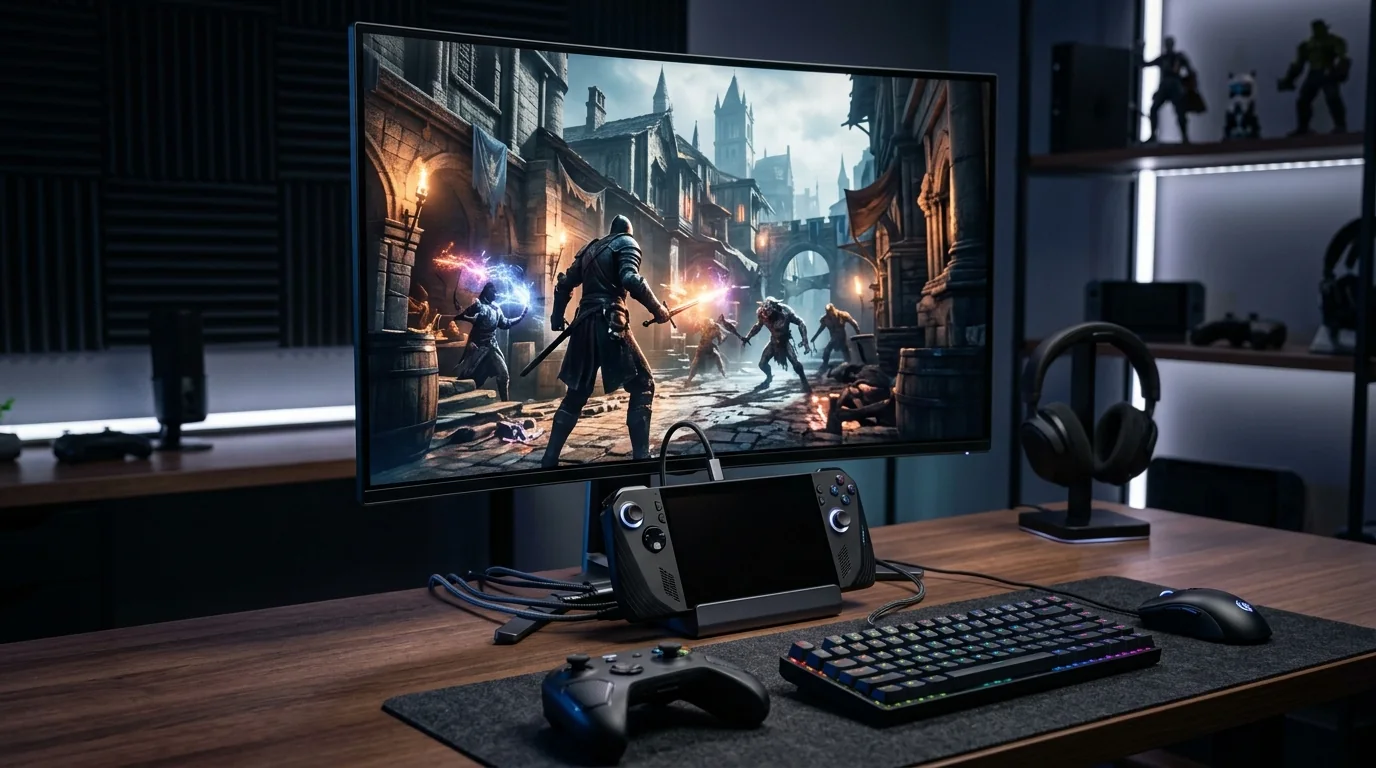
Detailed context and practical checks for players.
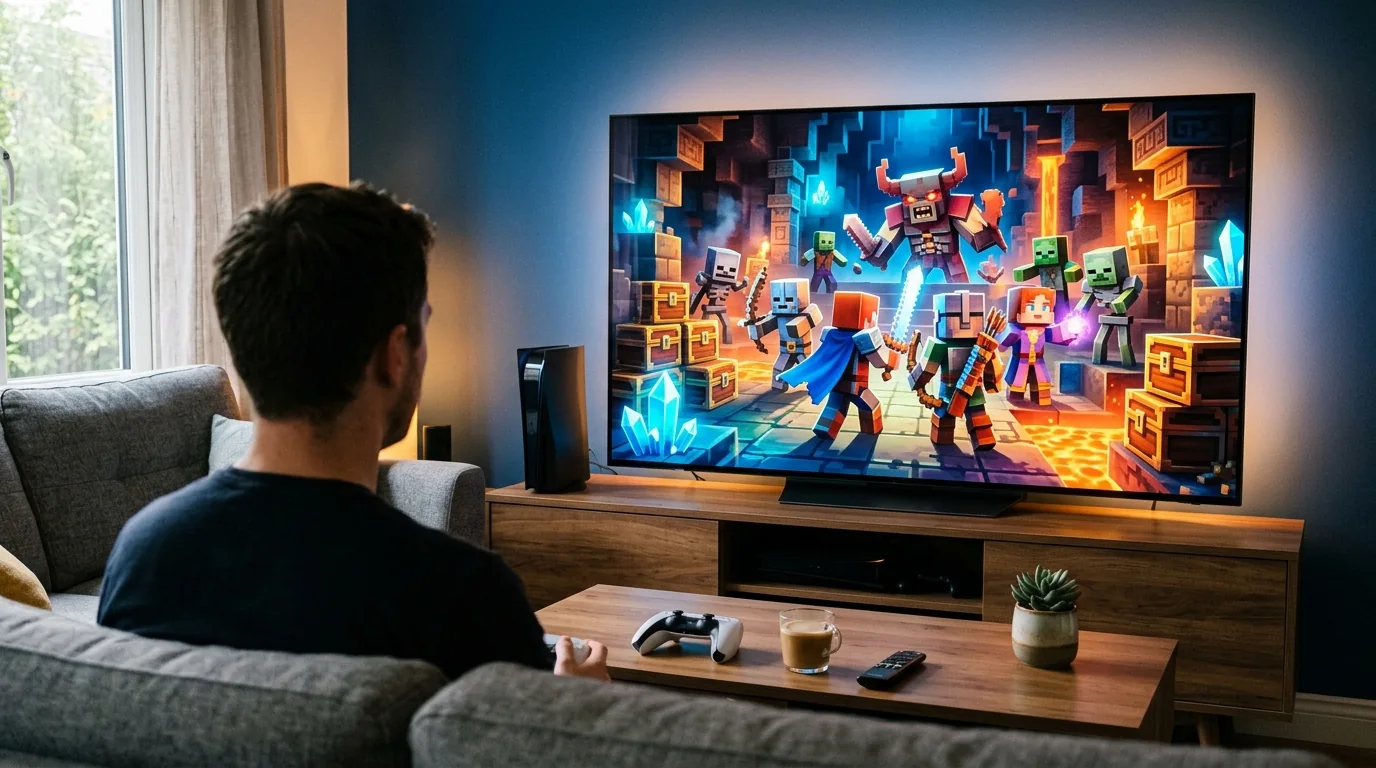
Detailed context and practical checks for players.
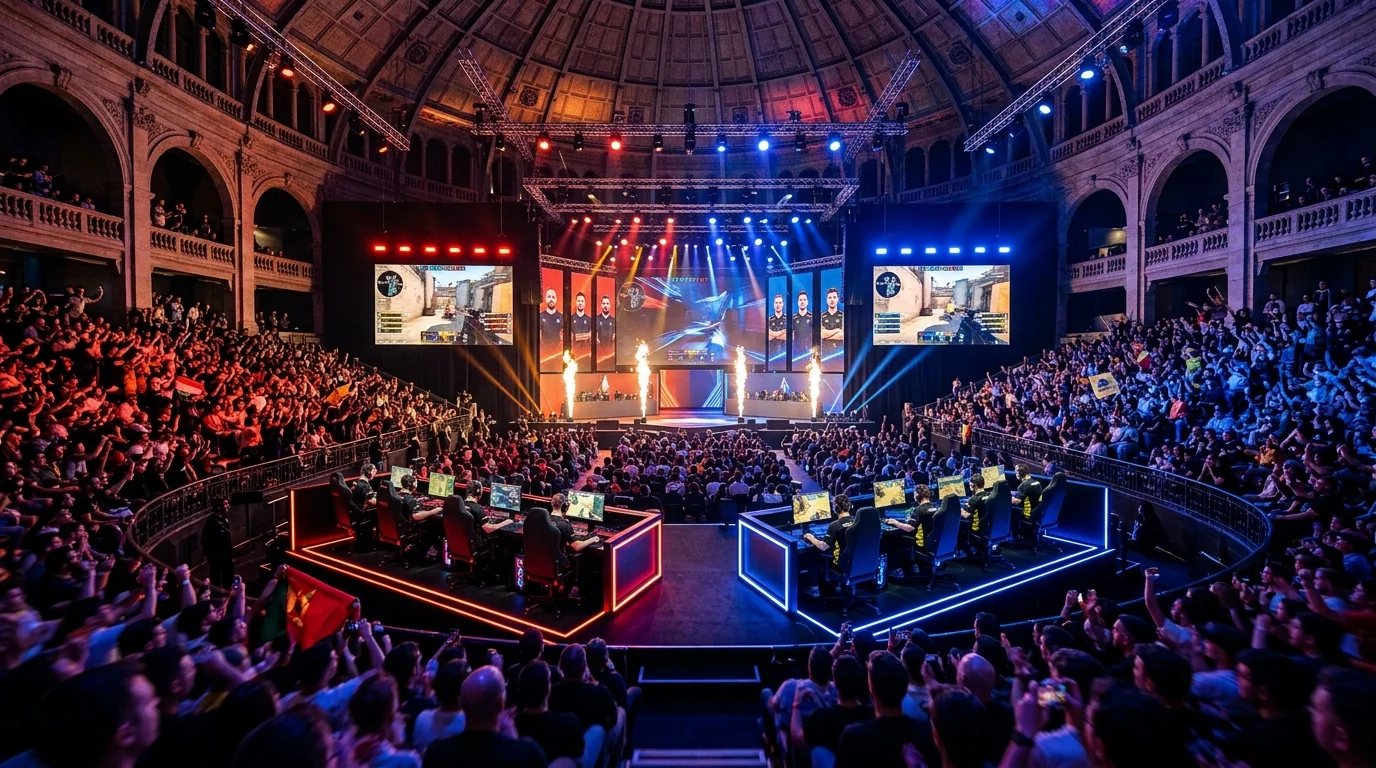
Detailed context and practical checks for players.
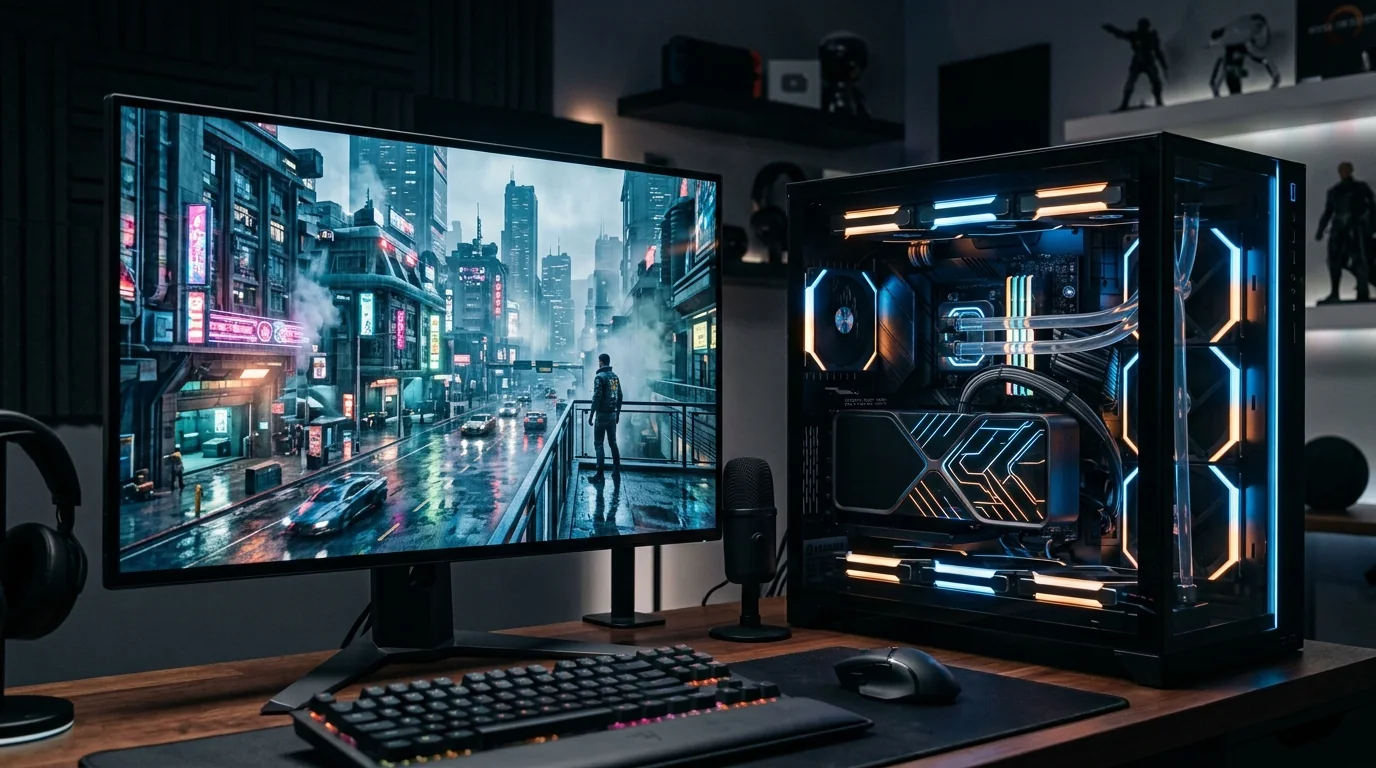
Detailed context and practical checks for players.
Detailed context and practical checks for players.